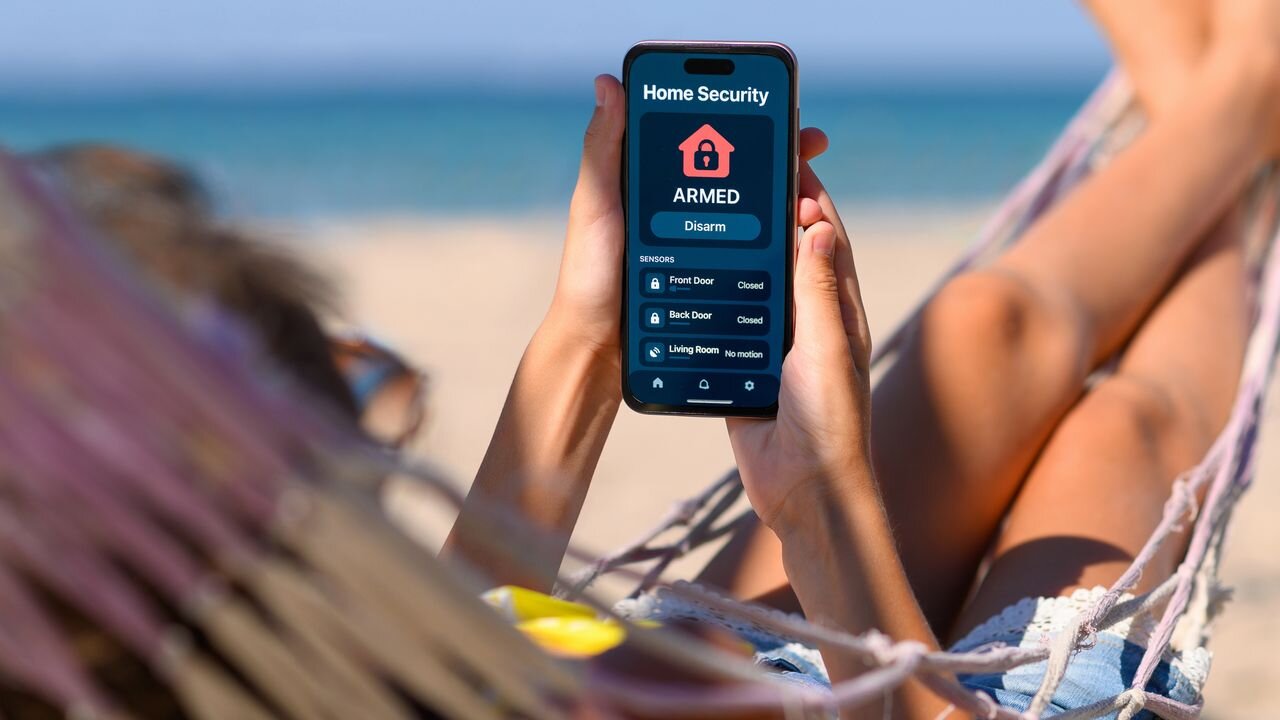
Planning a summer getaway but worried about leaving your house for a few weeks? While statistically you are more likely to suffer a break-in during the winter months when it’s much darker, summer also presents an ideal opportunity for burglars. Even if you're at home there are increased risks, especially if you leave your windows open to get some fresh air into the house during a heatwave.
Of course, there are basic steps you can take to reduce your risk such as asking a neighbor to take in your mail and packages, and making sure windows are closed when you go out. But technology can help big time too. What’s more, you don’t have to spend a fortune on all the gear. Whereas once you had to spend thousands on security cameras and PVRs (personal video recorders) that had to be professionally installed, now you can buy cameras and video doorbells for a fraction of the price that can be controlled easily via your smartphone.
Starting simple
The trick is to start simple. A good idea if you are going away for a long time is to have an indoor camera focused on the most vulnerable part of the house where a burglar is most likely to break in — such as a back door. I’ve got a Nest Cam IQ Indoor focused on my patio doors leading out to the garden. I like it because it can record when it hears sound (such as glass breaking) as well as motion.
However, there are other cheaper models available from companies such as Amazon-owned Blink and Ring as well as lesser-known, but popular, Chinese brands such as EZVIZ, Reolink and Aqara.
Focused on the front door I have a tiny Blink Mini 2K+ which also provides a chime for the Blink video doorbell so we can hear it ringing in the house. Usually, I switch the motion sensor off on the Blink Mini during the day because it’s triggered every time a family member opens the front door which can be a bit of a pain. However, when I go on holiday I switch the motion sensor on just in case.
I use a Google Nest Cam IQ Indoor, which can record sounds like breaking glass
One important consideration is how footage is stored — either locally on a MicroSD card or in the cloud. Personally, I prefer storing footage locally on an SD card, although the downside is that you will usually have to buy a card separately. The advantage of local storage is that not only is it generally more secure (there have been cases of servers being hacked and private security footage being leaked), it also often works out cheaper in the long term.
That’s because many home security companies will charge you a monthly subscription fee to store all your recorded footage and access advanced AI-driven features such as facial recognition and text descriptions of videos.
While these features may be vaguely useful, especially if you have lots of people coming to the door, for the vast majority it’s probably not worth the monthly fee.
Let’s go outside
Obviously, no discussion of home security is complete without talking about outdoor cameras and video doorbells. Whether it’s summer or winter, these devices are invaluable when it comes to optimizing your home security set-up and helping to prevent burglary.
Choosing the type of outdoor camera you want is largely down to personal choice and the type of property you live in. Generally speaking, outdoor cameras should be mounted reasonably high on your property to give you a better view and to prevent theft.
Some security cameras, like the IMOU AOV PT, can pan and tilt to follow potential threats (Image credit: Future)
Many offer a wide viewing angle of between 130 and 180 degrees, while some of the latest models, such as the latest IMOU AOV PT , are pan-and-tilt models that detect and track movement automatically.
Want a security camera to act as a deterrent to an opportunist burglar? Then it’s worth considering a device with a powerful built-in spotlight and loud siren. If there are two things that burglars hate more than anything else, they're excessive noise and light that draws attention to what they are up to. Reolink’s Solar Floodlight Cam covers both bases with twin spotlights either side of the camera and an integrated 110dB siren.
Going solar
Unlike indoor cameras, which usually plug into the mains, powering an outdoor camera is a little more challenging. Although some are designed to plug into the mains via a waterproof housing, most now rely on either disposable/rechargeable batteries and/or solar power. Indeed, solar-powered cameras, such as the Reolink Solar Floodlight Cam mentioned above, have become increasingly popular in the UK particularly as summers have got hotter and panels have become more efficient.
While many of the latest outdoor cameras comprise separate solar panels that need to be mounted separately and plugged into a USB-C socket on the camera, others such as the IMOU Cell 3C come with a solar panel built in. Chinese company Baseus even has an innovative solar-powered camera, the Baseus Security S2 , that boasts an innovative rotating solar panel that moves as the sun moves in order to maximize power to the camera.
Solar panels can dramatically extend the battery life of security cameras, and the Baseus Security S2 has an innovative one that rotates throughout the day to follow the sun (Image credit: Chris Price)
Deciding how to power your outdoor camera isn’t the only factor you need to consider either. You also need to think about the technology you are going to use to transmit video clips to your phone’s security camera app. While for indoor cameras this is usually WiFi, for outdoor devices getting a connection between the indoor router and outdoor camera can be more challenging — especially over distances of around 30m.
One option therefore, may be to buy a device that offers dual-connectivity, including Wi-Fi and cellular (usually 4G), such as the IMOU AOV PT or Eufy 4G LTE Cam S330.
Optimizing your setup
So you’ve got your outdoor camera. What next? Well, now begins the process of optimizing it for you...