
Product documentation
How to use AIPROPX
Step-by-step walkthroughs of every part of the product. Each task is illustrated with a real screenshot of the interface in context.
Task 1 — Reading a ledger entry
A ledger entry is the canonical record for one real-world event. Here is what every element means.
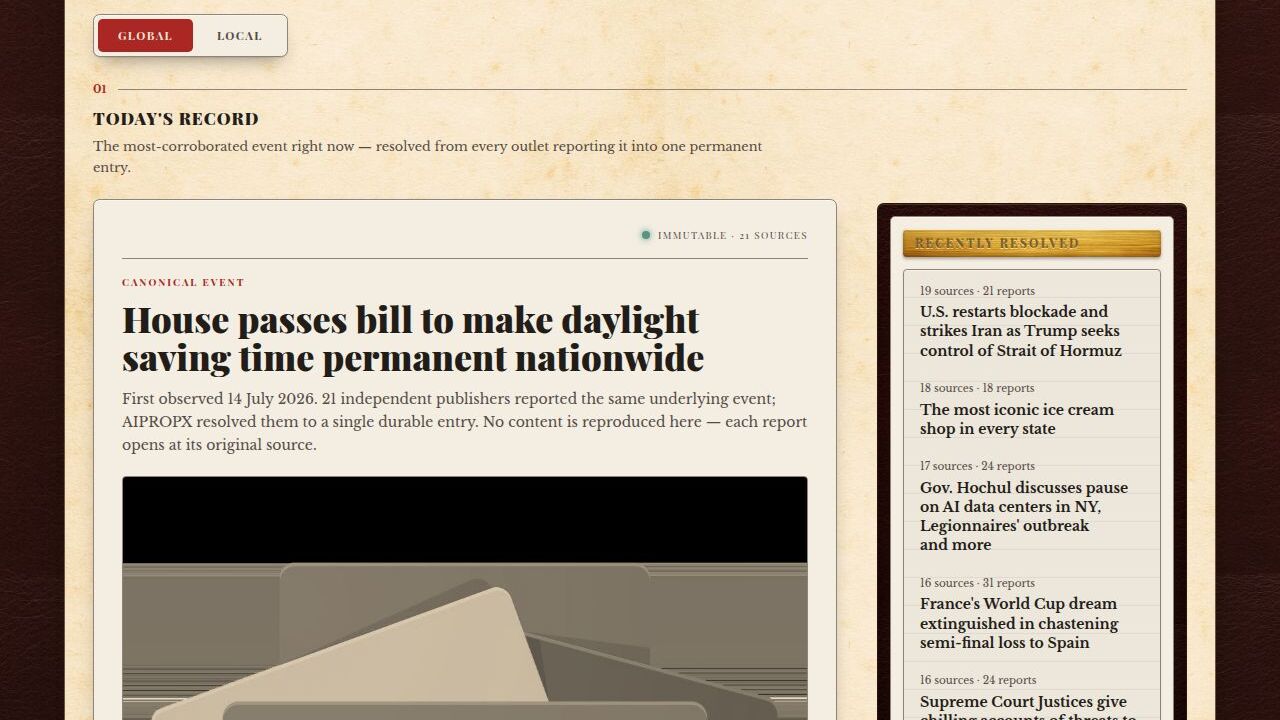
The main feed. Each card is one canonical entry — one event, all the outlets that covered it.
Outlet count
How many distinct newsrooms published their own article about this event. A count of 1 means a single outlet; a count of 12 means twelve independent newsrooms each wrote their own version.
Timeline
The chronological list of when each outlet published, starting with the first. The timestamps are from the original publisher feeds — we do not generate or alter them.
Shared points
Sentences or claims that appear in more than one article in the cluster. This is a count of text matches — not a verdict on whether the claim is accurate.
Region badge
The headquarters country of the publishing outlet. It says nothing about where the event happened or the stance of the coverage.
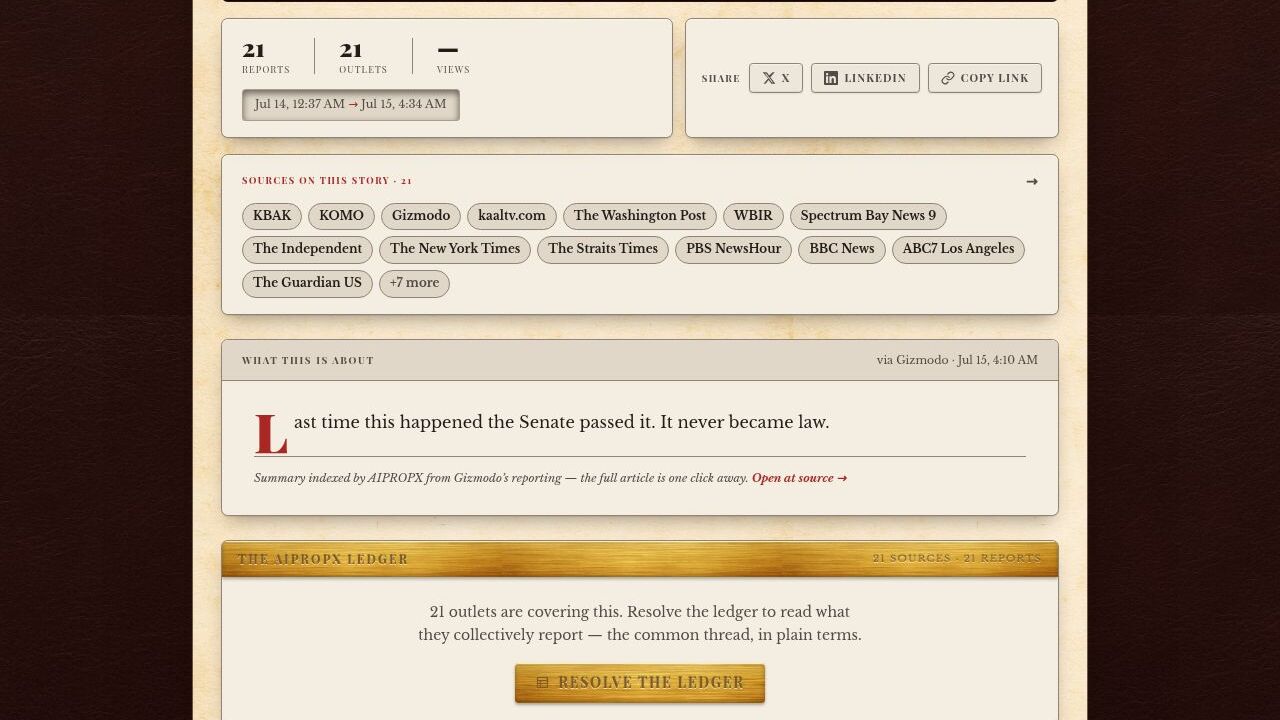
A full story entry: outlet breakdown panel on the left, shared claims on the right, timeline at the bottom.
Task 2 — Using the wire
The wire is the raw chronological stream of every article that has arrived in the last few hours, sorted strictly by publication time.

The wire tab: articles ordered by publish time, not by cluster size or any algorithmic ranking.
The wire is useful when you want to see the most recently published articles regardless of how many outlets have covered the event. Where the main feed surfaces the most-covered stories, the wire surfaces the most recent ones.
Each row on the wire links to the original publisher article, not to the AIPROPX story page. If a story has been clustered, the cluster count badge appears next to the headline — click it to open the full entry.
The wire does not apply any ranking or personalisation. The order is determined entirely by the publication timestamps from the original feeds.
Task 3 — Understanding source clicks
Every outlet link on AIPROPX opens the original publisher article. We hold no copy.
When you click an outlet name or a headline in a story entry, you are sent directly to the original article on the publisher's own website. AIPROPX holds no copy of their text. The click count you see beside a source name is a simple tally of how many times that link has been opened from this page — it is not an endorsement or a quality score.
Source click counts are public and available for every story entry. They are useful for seeing which outlet's coverage is attracting the most reader interest within a cluster — nothing more than that.
Click opens
Original publisher article
Click count measures
Readers who opened that specific source link
Click count does not measure
Accuracy, credibility, or editorial quality
Task 4 — Following topics and sources
Follow a topic or outlet to see it highlighted in your feed when you are signed in.
On any topic page (e.g. /topic/politics) or source page, you will see a Follow button near the top of the page. Tapping it adds that topic or outlet to your personal feed.
Followed topics appear highlighted in the main ledger feed. Followed outlets cause their stories to surface more prominently in your personalised view. This is purely a display preference — it does not affect the underlying index or the order in which outlets are shown within a story cluster.
You can manage and remove all your follows from Account then Following. Follows are stored on your account and sync across devices.
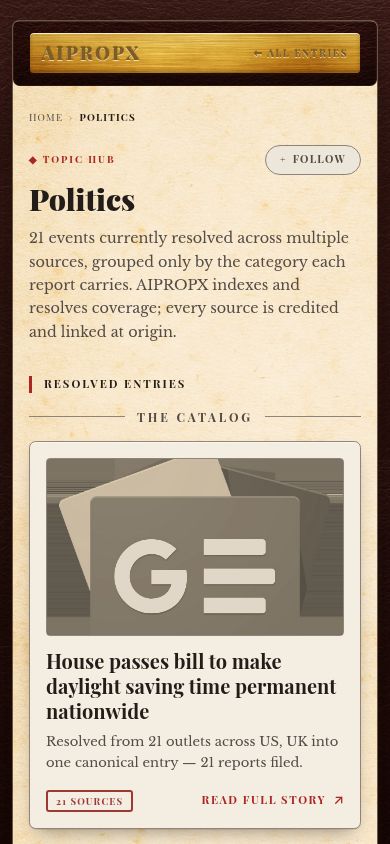
Follow button on a mobile topic page.
Task 5 — The Smart Ledger (AI synthesis)
The Smart Ledger is an on-demand AI synthesis of a story cluster. It is not triggered automatically and is clearly labelled as AI-generated.
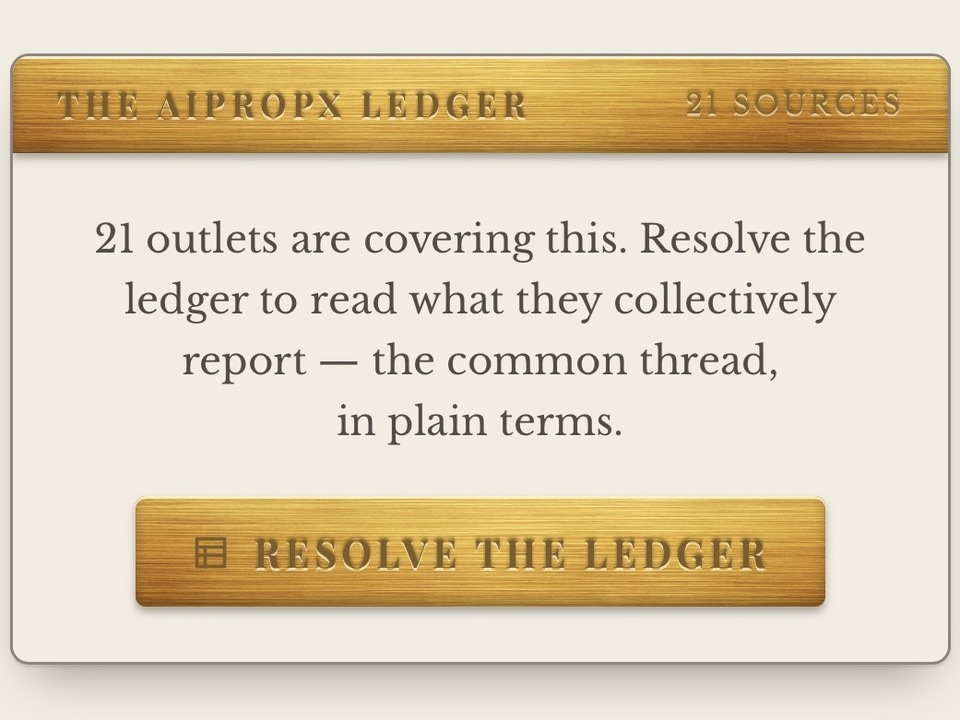
The Smart Ledger panel — opened only when a user explicitly requests synthesis. Always labelled AI.
On any story entry with sufficient coverage (typically three or more outlets), you will see a “Generate Smart Ledger” button. Clicking it sends the cluster's article data to the AI model and returns a structured summary: key points, areas of agreement between outlets, and items worth watching.
The Smart Ledger is labelled AI-generated at all times. It is produced from the same real article data that drives the rest of the entry — the model does not have access to any information outside the cluster. The model's name and the time of generation are stamped on every synthesis.
If no synthesis has been generated yet for a story, the button will trigger the first generation. Once generated, the result is cached and will be shown to subsequent visitors without re-running the model. Refreshing the page does not re-trigger synthesis.
What the Smart Ledger does not change
- The outlet count, timeline, and shared claims are computed deterministically — the AI does not alter them.
- Clicking source links still opens the original publisher article.
- The Smart Ledger is always labelled and never presented as editorial content.
See the product in action
The Ledger page has a live demo you can run on real stories from today.